
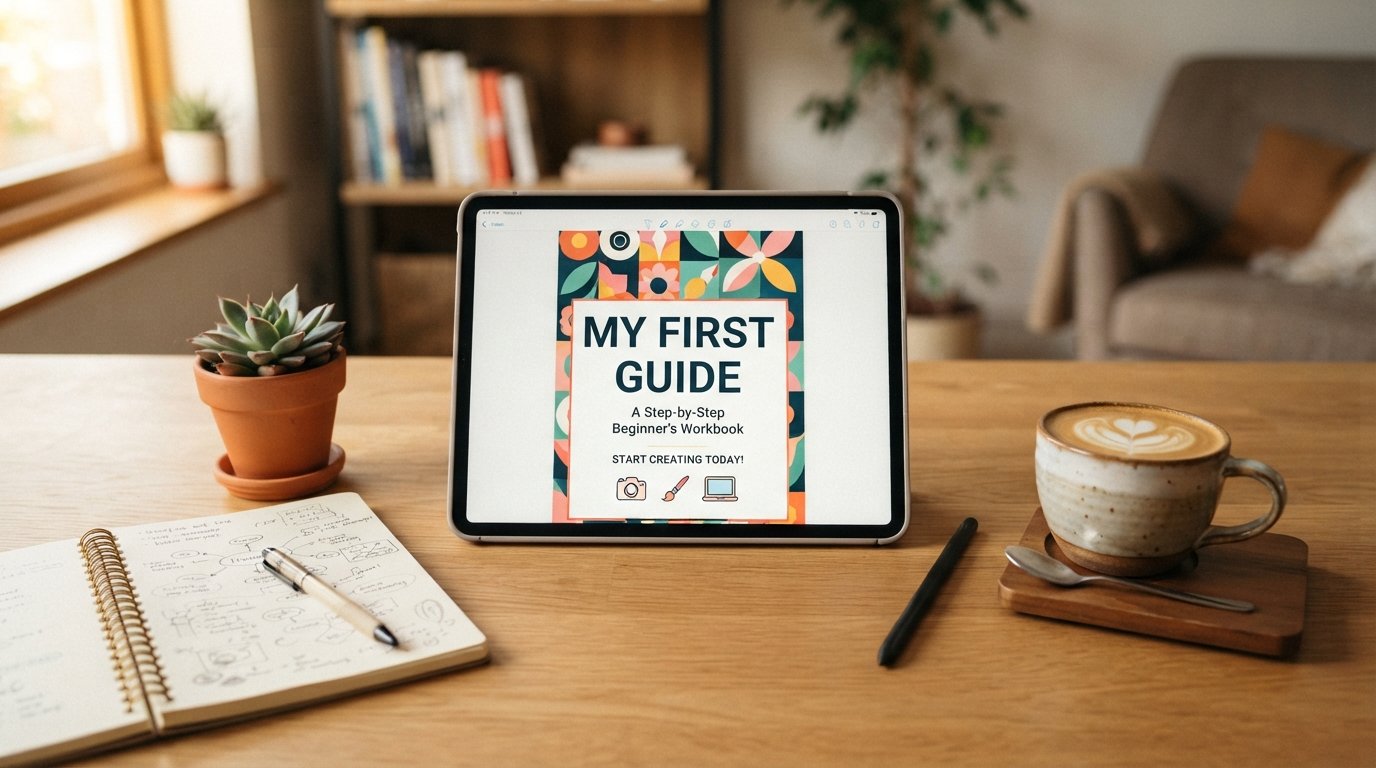
How to Make and Sell Your First PDF Guide
Selling a PDF guide is one of the simplest ways to turn knowledge into income. You don’t need to build an app, ship physical products, or manage inventory. You need a topic you understand well, a way to package that knowledge clearly, and a simple system for taking payment and delivering the file. This guide walks through the entire process, from picking a topic to making your first sale.
Why a PDF Guide Is a Great First Product
A PDF guide is often the easiest digital product to create because the barrier to entry is low. You already have a word processor. You already have expertise in something, even if it doesn’t feel like it yet. And unlike a course with videos or a membership site with ongoing content, a PDF guide is a one time creation that you can sell repeatedly without additional work.
It’s also a low risk way to test whether people will pay for your knowledge before you invest in something bigger, like a full course or coaching program. If your guide sells well, that’s a strong signal that a larger product built on the same topic could succeed too.
Step One: Choose a Topic That Solves a Specific Problem
The biggest mistake first time creators make is choosing a topic that’s too broad. “How to be more productive” is a book that thousands of people have already written, and it’s hard to stand out. “How to plan a week of meals for a family of four on a $75 grocery budget” is specific, actionable, and immediately tells a potential buyer exactly what they’re getting.
Good PDF guide topics usually share three traits. They solve one clear problem rather than trying to cover everything. They target a specific audience who is actively searching for a solution. And they draw on something you actually know well, whether from professional experience, a hobby you’ve spent years on, or a challenge you’ve personally solved.
To find your topic, think about questions people have asked you repeatedly, whether in your job, your social circle, or online communities you’re part of. Those repeated questions are often the clearest signal of what people are willing to pay to have answered clearly and concisely.
Step Two: Validate the Idea Before You Write
Before spending weeks writing, spend a few days checking whether people actually want this guide. You can do this without any technical tools.
Search forums, Reddit threads, and Facebook groups related to your topic and see how often people ask the exact question your guide would answer. Look at existing products on marketplaces like Etsy, Gumroad, or Amazon’s Kindle store to see if similar guides already sell, since competition is often a sign of demand rather than a warning sign.
You can also simply ask your existing audience, whether that’s a small email list, a social media following, or even friends in a relevant community, whether they would find this guide useful and what price feels reasonable to them. A handful of enthusiastic responses is a good sign you’re on the right track.
Step Three: Outline Before You Write
Once you have a validated topic, resist the urge to start typing paragraphs immediately. Build an outline first. A simple structure works well for most guides.
Start with an introduction that names the problem and promises a clear outcome. Follow with the main body, broken into logical sections or steps that build on each other. Close with a summary or action plan that helps the reader immediately apply what they learned.
Keep each section focused on one idea. If you find a section trying to cover three different concepts, that’s usually a sign it should be split into three sections. A clear outline also makes the actual writing much faster, since you’re filling in details rather than figuring out structure as you go.
Step Four: Write With Clarity, Not Length
A common misconception is that a guide needs to be long to feel valuable. In reality, a tightly written twenty page guide that solves a real problem is far more valuable than a bloated eighty page document padded with filler. Readers who buy a guide want a fast path to a solution, not a textbook.
Write in plain language, use short paragraphs, and include concrete examples wherever possible. If you’re teaching a process, number the steps clearly. If you’re sharing frameworks or templates, include them directly in the guide rather than just describing them, since readers often value the templates more than the explanation around them.
Read your draft out loud once you finish it. This simple step catches awkward phrasing and sections that ramble, both of which are common in first drafts.
Step Five: Design It So It Looks Professional
You don’t need advanced design skills to make a guide look polished. Tools like Canva, Google Docs, or Microsoft Word all offer templates that can produce a clean, professional looking PDF. Focus on consistent fonts, clear headings, reasonable margins, and a simple cover page with your title and a short subtitle explaining the benefit.
Include a table of contents if your guide is more than ten pages, since it helps readers navigate and signals that the content is organized. Add page numbers and keep your color palette simple, typically no more than two or three colors throughout the document.
Once your layout is done, export it as a PDF and check it on both a computer screen and a phone screen, since many buyers will read it on mobile.
Step Six: Price It Reasonably
Pricing a first guide often feels harder than it should. A useful approach is to look at what similar guides sell for in your niche and price within that range rather than guessing from scratch. Most short, focused PDF guides sell somewhere between seven and thirty dollars, though highly specialized guides in professional or business niches can command significantly more.
If you’re unsure, start slightly lower than you think is fair for your first batch of sales, then raise the price once you have reviews or testimonials supporting the guide’s value. It’s much easier to raise a price after proving demand than to convince early buyers to pay a premium for something with no track record yet.
Step Seven: Set Up a Simple Way to Sell It
You don’t need a complicated website to start selling. Platforms like Gumroad, Payhip, and Ko-fi let you upload a PDF, set a price, and start selling within minutes, handling payment processing and file delivery automatically. These platforms typically take a small percentage of each sale in exchange for handling the technical side.
If you already have a website or blog, you can also sell directly through a simple checkout page using tools like Stripe combined with a delivery service, though for a first guide, using an established platform is usually faster and less error prone.
Whichever platform you choose, write a clear product description that explains exactly what the buyer will learn and why it matters to them, since this description often matters more than the guide’s design in convincing someone to buy.
Step Eight: Get Your First Sales
Once your guide is live, the final step is getting people to see it. Share it with your existing audience first, whether that’s an email list, social media followers, or a relevant online community where self promotion is welcomed. Personal outreach to people you know might benefit from the guide is often more effective than any broad marketing effort for a first product.
Consider offering a limited time discount for your first batch of buyers in exchange for honest feedback or a testimonial, since early reviews make future sales significantly easier. Pay attention to any questions or confusion buyers express, since this feedback often reveals small changes that can make your guide, and future ones, even better.
Final Thoughts
Making and selling a PDF guide is one of the most accessible ways to start earning from what you know. The process doesn’t require expensive tools or advanced technical skills, just a clear topic, a well organized outline, and a straightforward way to deliver the file and collect payment. Your first guide won’t be perfect, and that’s fine. What matters most is getting something real into the hands of people who need it, learning from their response, and improving with each version you create afterward.